
AIEASE
AI-enhanced photo editing with background removal and enhancements.
Freemium
Details

Quick, everyday image editing tasks like background removal and simple touch-ups, across web and mobile.
Magic Studio bundles several image editing tools under one account, aimed at quick, everyday tasks rather than professional design work. Background removal is the anchor feature, alongside a wider suite that includes AI headshot generation through a related product called InstaHeadshots.
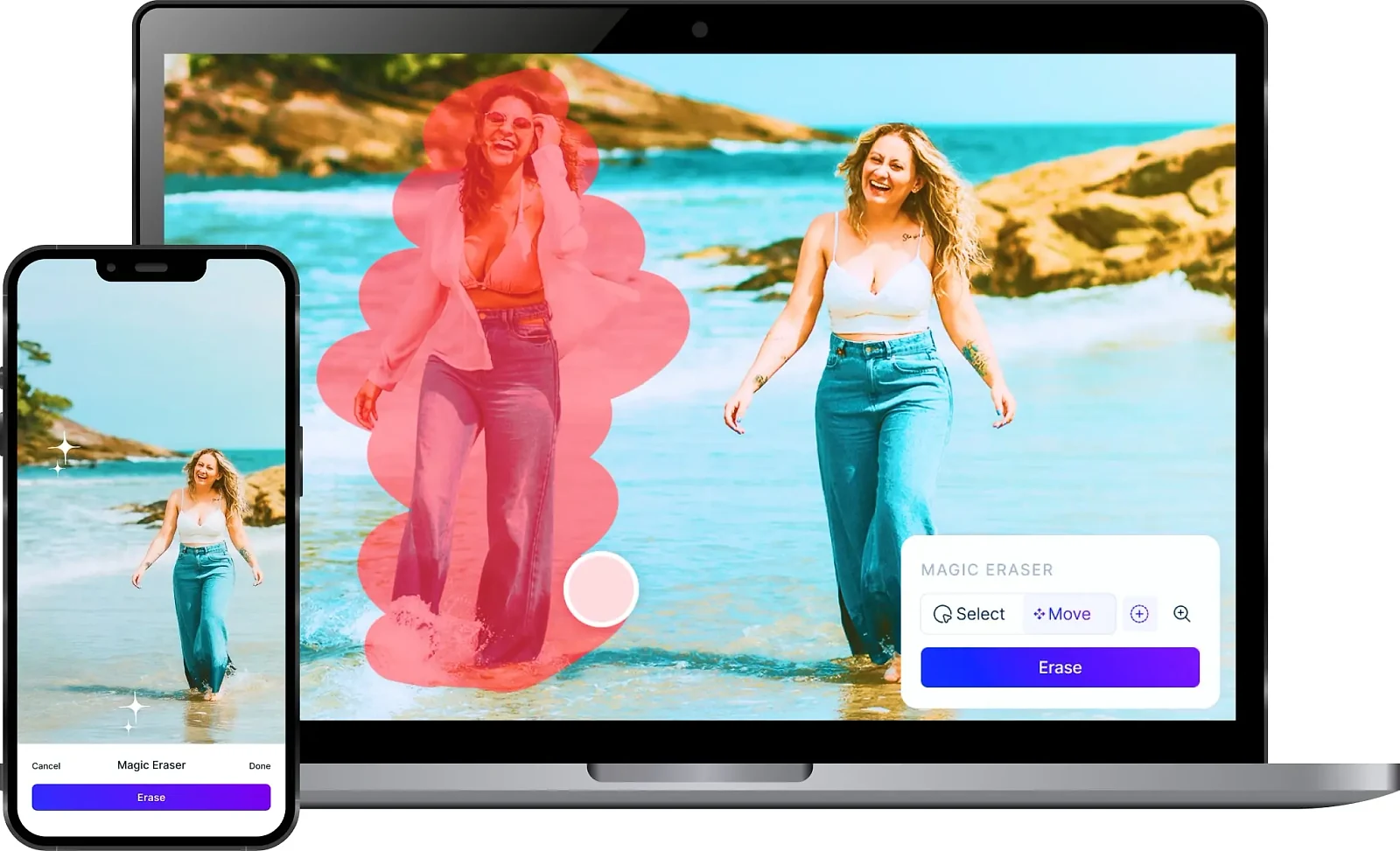
The company states it has been used by 20 million people, framed around the idea that every image edited puts more editing power in ordinary users’ hands rather than requiring design software.
Free gives 40 AI generations, enough to genuinely test the editing quality, but downloads come watermarked and at limited resolution, and only one image can be processed at a time. That is a reasonable way to evaluate the tool before paying, as long as you know the output is not meant for final use.

PRO is listed at $4.99 a month, but that price is explicitly marked as promotional and discounted from a regular $14.99, billed as $59.99 for the year. Confirm the actual rate at checkout rather than assuming the promotional price is permanent, since introductory pricing on subscription products commonly reverts after a period or a first term.
There is no API, so this is a direct-use tool rather than something to automate into a pipeline processing many images unattended. For that kind of volume work, a tool built around bulk API access would suit better than an interface designed for one image at a time on the free tier.
| Plan | Price | Includes |
|---|---|---|
| Free | $0/month | 40 AI generations, limited resolution, watermarked downloads. |
| PRO | $4.99/month | Promotional price, discounted from $14.99. Billed $59.99/year. Unlimited generations, high resolution, no watermark, bulk editing. |
| Tool | Starting price | Best for |
|---|---|---|
| Autodraw | Free plan available | Quickly turning a rough doodle into a clean icon or drawing, with no design skill required. |
| Civitai | Free plan available | People running open-weight image models who want somewhere to find, share and generate with community checkpoints and LoRAs. |
AI-enhanced photo editing with background removal and enhancements.

Master image editing

A free tool from Google's Creative Lab that turns a rough sketch into a matching icon. No account, no cost, no paid tier.

Enhance and upscale images seamlessly with advanced AI tools.

Revolutionize image editing: intuitive AI

Unlock creativity with ethically-driven