
Autodraw
A free tool from Google's Creative Lab that turns a rough sketch into a matching icon. No account, no cost, no paid tier.
Free plan available
Details

Anyone restoring family photographs or archive images without learning a photo editor.
ImageColorizer does one job well: taking an old photograph and making it look like it was not old. Colourising black-and-white images is the headline, but restoration, sharpening, portrait retouching and scratch repair sit alongside it, which matters because a genuinely old print usually needs several of those at once.
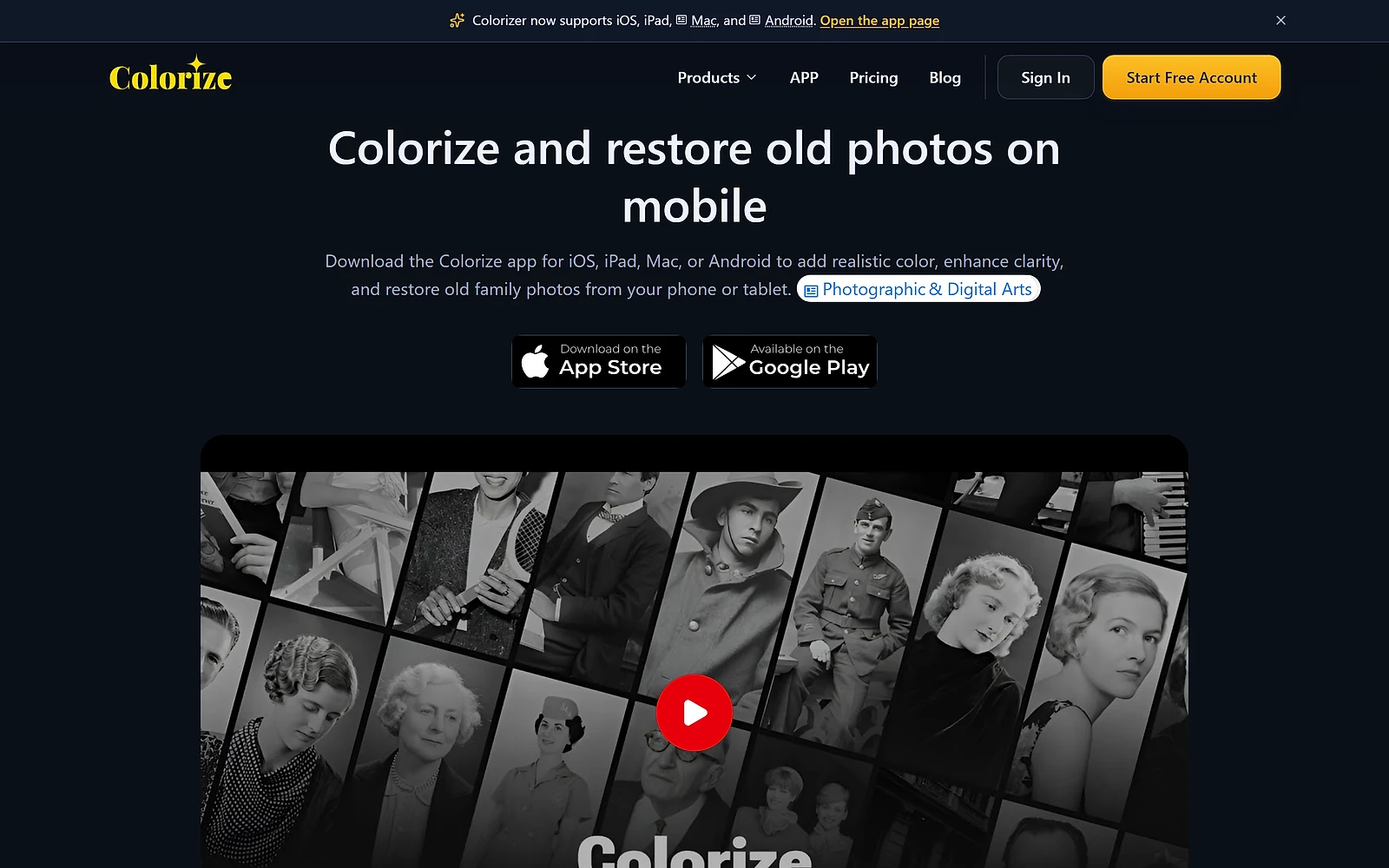
It runs in the browser. For the actual audience here, someone with a box of family photographs rather than a photo editing habit, that is the whole point. The alternative is learning a desktop editor to do work that takes one upload.
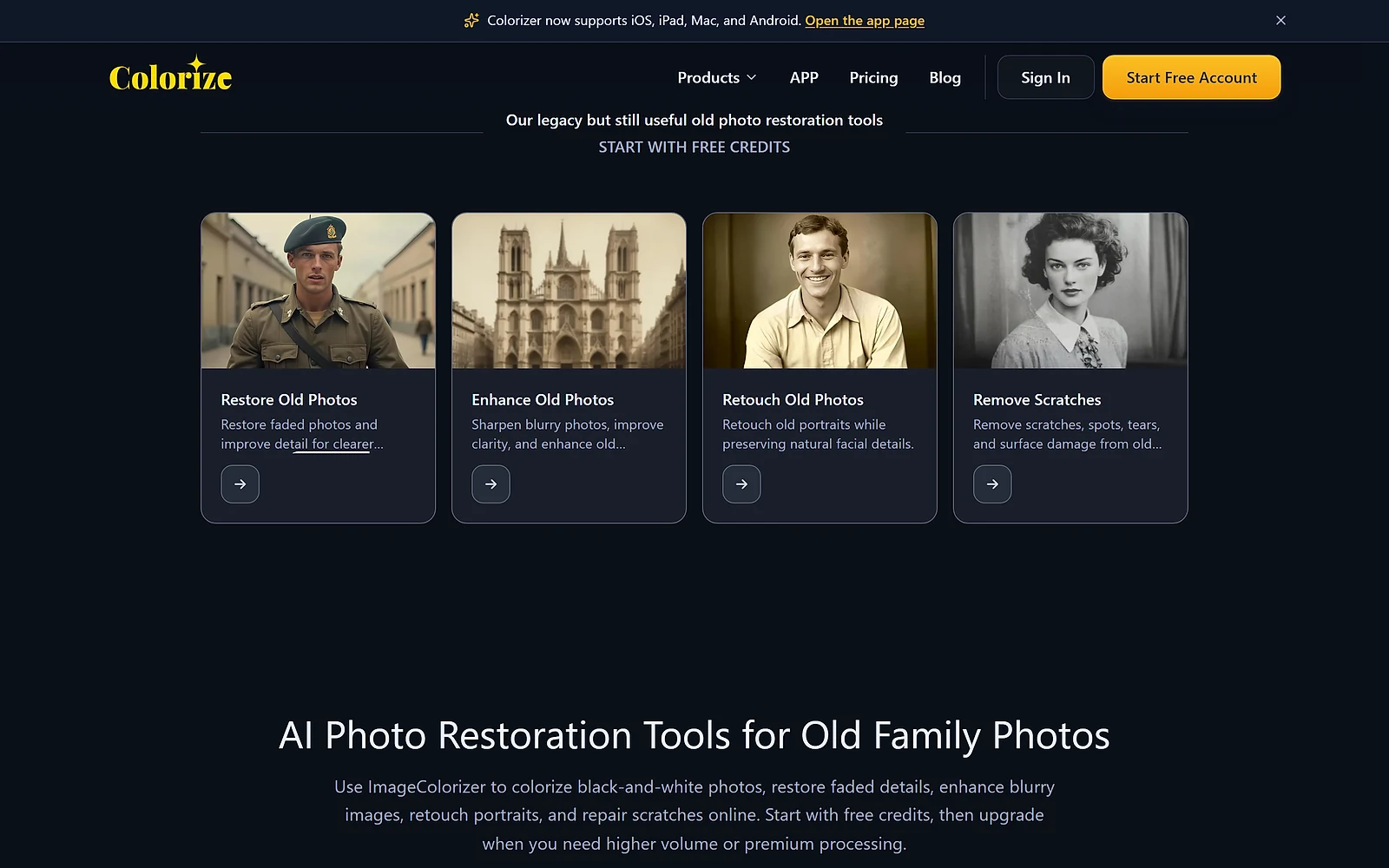
Fifty credits a month, renewing, with access to all AI features. Not a trial that expires, and not a stripped-down engine. What you give up is volume, batch processing and an ad-free interface.
For most people restoring a handful of family photographs, that is genuinely enough, and it is worth saying plainly rather than steering everyone toward a subscription.
Starter at $6.90 a month brings 500 credits, batch processing, priority support and removes ads. Premium at $9.90 doubles the credits to 1,000 and is marked most popular. Business at $19.90 drops the credit metering entirely in favour of unlimited access to the V2 model.
That last distinction is the one to read carefully. Business is described as unlimited on V2 specifically, which implies the newer engine is what the credits on lower tiers are being spent against. If output quality matters more than volume, that framing is worth clarifying with the vendor before choosing a tier on price alone.
One small point in the vendor’s favour: prices are stated to include applicable taxes based on your billing address, so the checkout figure should be the figure advertised. That is more transparency than this category usually offers.
The pricing page does not say what one credit buys. Five hundred credits could be five hundred photographs or considerably fewer if restoration and colourisation are billed separately. Run a few images on the free tier and watch the counter before committing.
Batch processing is labelled ‘legacy’ on every paid tier. That word usually means a feature is being maintained rather than developed, so if bulk work is your reason for subscribing, check what replaces it.
There is no API, so restoring a large archive means working through it in the browser rather than scripting it.
| Plan | Price | Includes |
|---|---|---|
| Free | $0/month | 50 credits a month, single-image processing, all AI features. Includes ads. |
| Starter | $6.9/month | 500 credits a month, legacy batch processing, priority support, no ads. |
| Premium | $9.9/month | Marked Most Popular. 1,000 credits a month, legacy batch processing, priority support, no ads. |
| Business | $19.9/month | Unlimited access to the V2 model, legacy batch processing, priority support, no ads. For high-volume restoration work. |
| Tool | Starting price | Best for |
|---|---|---|
| Autodraw | Free plan available | Quickly turning a rough doodle into a clean icon or drawing, with no design skill required. |
| Civitai | Free plan available | People running open-weight image models who want somewhere to find, share and generate with community checkpoints and LoRAs. |
A free tool from Google's Creative Lab that turns a rough sketch into a matching icon. No account, no cost, no paid tier.

Revolutionize image editing: AI-driven

Master image editing

Streamline storyboard creation with AI-generated characters

Enhance and upscale images seamlessly with advanced AI tools.

Revolutionize image editing: intuitive AI