
Autodraw
A free tool from Google's Creative Lab that turns a rough sketch into a matching icon. No account, no cost, no paid tier.
Free plan available
Details

Estate agents and property marketers staging empty rooms or redesigning interiors without a photoshoot.
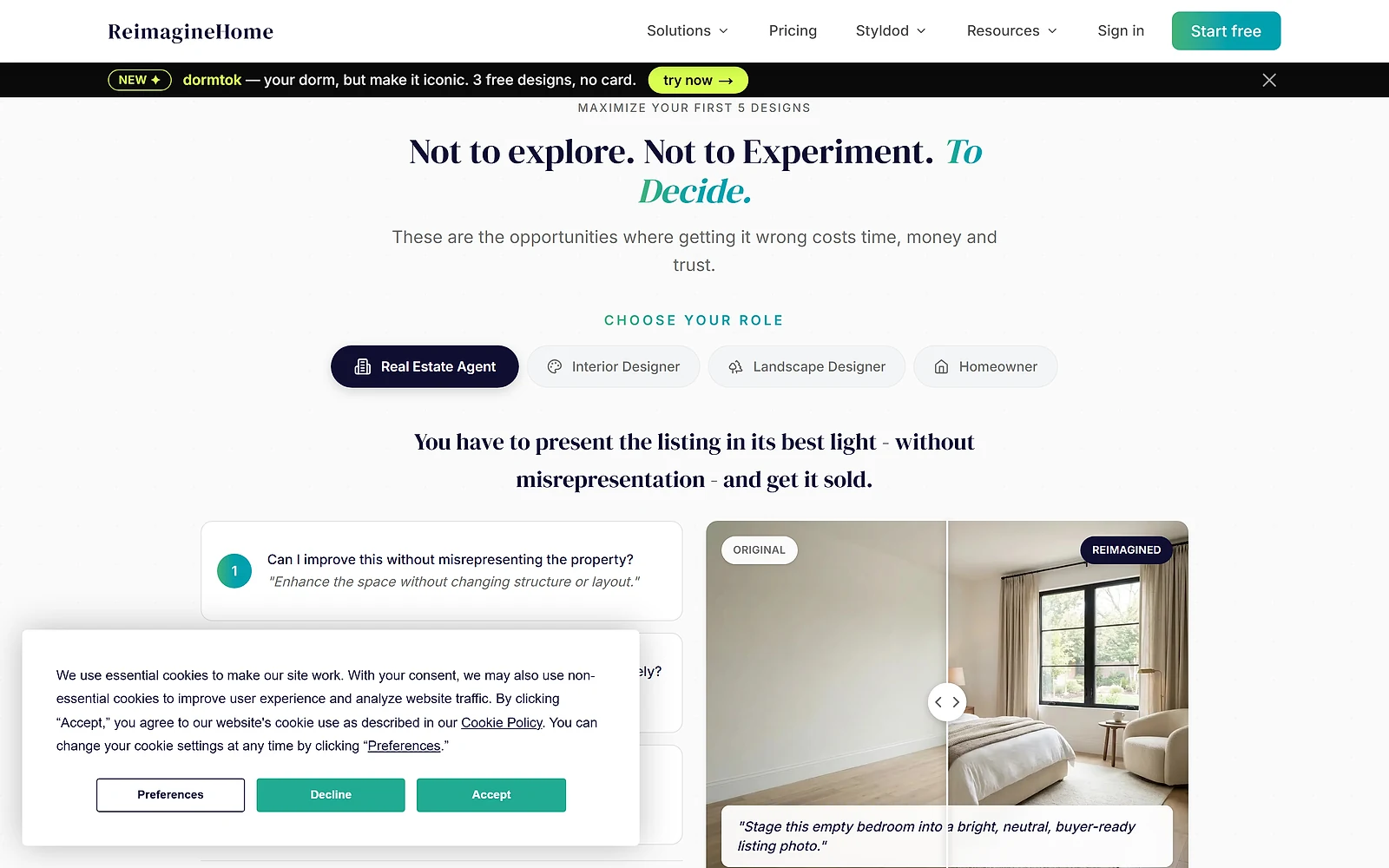
ReimagineHome takes a photograph of a room and furnishes it, redecorates it, or reworks the exterior. The main job is virtual staging, which means showing an empty property as though someone lives there, and it is aimed squarely at estate agents rather than at people redecorating for themselves.
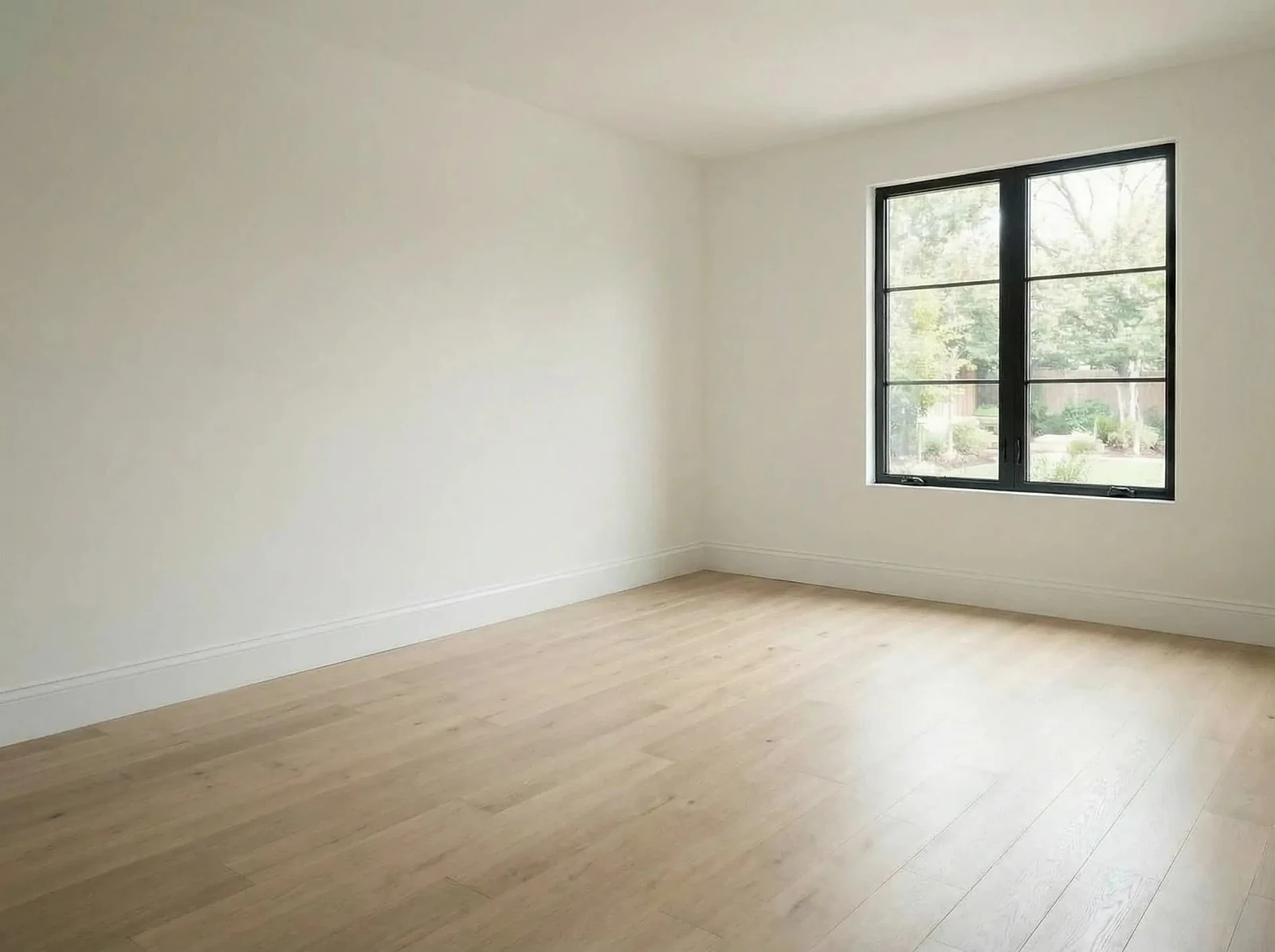
The before and after view is the whole proposition. An empty room photographs badly and shows poorly, and physical staging costs hundreds or thousands per property. Generating the furnished version instead is the kind of cost saving that needs no explaining to anyone who has paid for the real thing.
Essential at $19 a month buys 30 credits, which the vendor prices at about $0.63 each. What is unusual is how much sits outside that tier. Essential explicitly excludes the conversational editing experience, reference photo input, shoppable products and the newer high resolution model. It runs on what the pricing page calls legacy tools.
That is a meaningful admission to publish. Most vendors separate tiers by volume and give everyone the same engine. Here the cheap tier is a different, older product, so judging the tool on Essential output would be judging something the company itself no longer considers current.
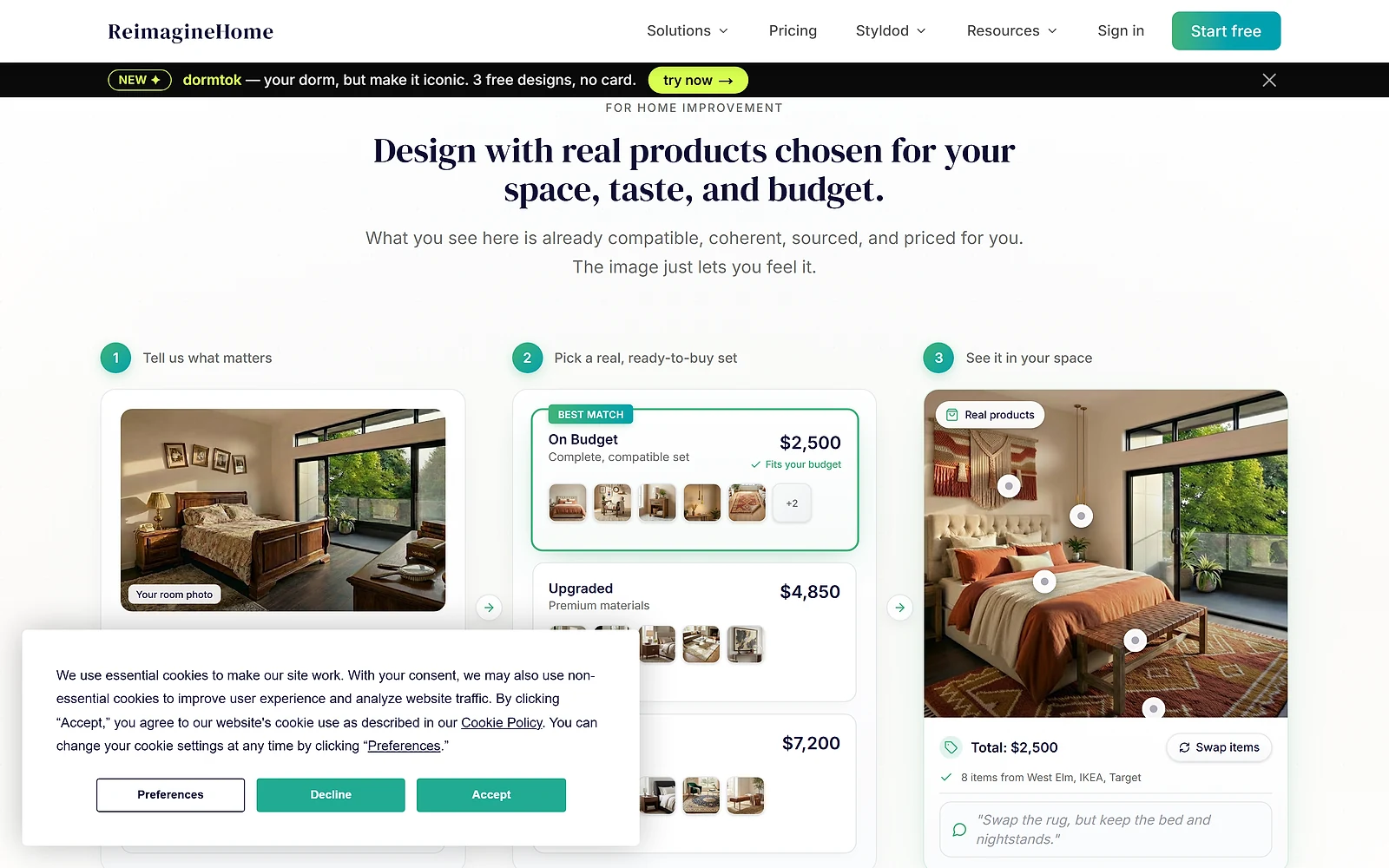
Pro at $36 a month is where that stops. It is marked as the popular choice and carries the current model along with reference photo input, incremental editing that does not force you to start over, listing batch processing and shoppable product discovery. Reference photos matter specifically if you need output to match a real furniture range rather than inventing one.
Above Pro the product stops changing and only the volume moves. Advanced at $59 a month and Agency at $119 a month are the same system with 400 and 900 credits respectively, and the vendor says as much rather than implying extra capability. The per-credit rate falls as you climb, from $0.63 on Essential to $0.19 on Pro and $0.13 on Agency, which makes Essential far and away the worst value per design as well as the weakest engine.
New accounts get 5 free designs, and the vendor states these use the same models as the paid plans. That is the right way to evaluate this. Run your own worst photograph through it, since a badly lit room with an awkward angle is where staging tools fail and where your real listings will live.
Virtual staging carries disclosure obligations in many property markets. Listings usually have to state that images are digitally staged, and rules differ by jurisdiction and by portal. Generating a convincing image is straightforward; using it without labelling it is where agents get into trouble.
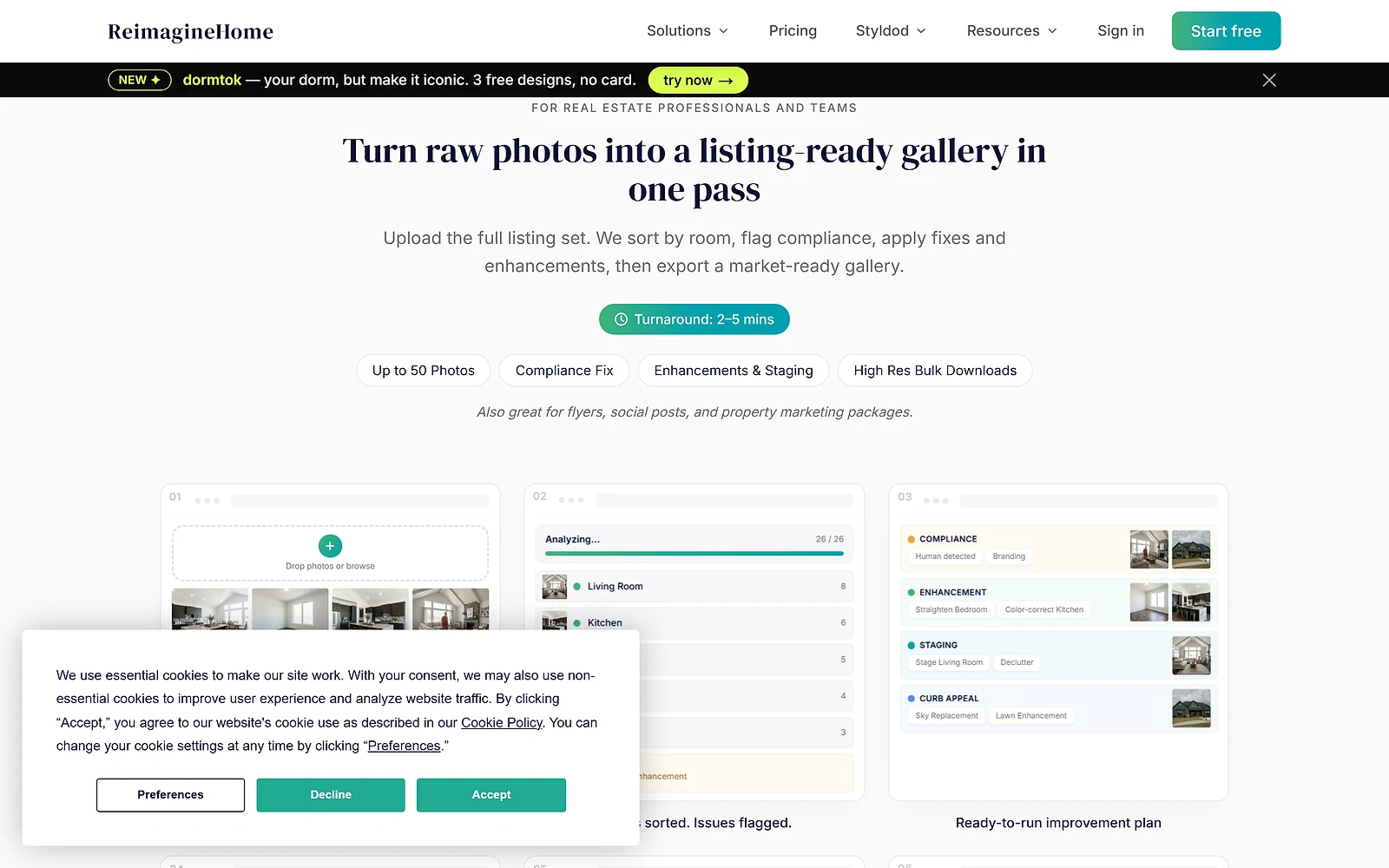
There is no API, so this stays a manual tool rather than something an agency can wire into a listing pipeline. For a team processing many properties a week, that means somebody working through them by hand.
Thirty credits on Essential is also fewer designs than it sounds, since staging a property usually means several rooms and several attempts per room. Count on multiple credits per listing rather than one, which in practice pushes most working agents to Pro regardless of the headline price.
| Plan | Price | Includes |
|---|---|---|
| Free | $0 | 5 designs for new users, same model quality as paid plans. |
| Essential | $19/month | 30 credits a month at roughly $0.63 each. Legacy tools only, no conversational agent, no reference photos, no high resolution output. |
| Pro | $36/month | Marked most popular. 200 credits a month at about $0.19 each. Adds the conversational design flow, reference photo input, incremental editing, listing batch processing and shoppable product discovery. |
| Advanced | $59/month | 400 credits a month at about $0.14 each. Same system as Pro at higher volume, for multi-space or multi-listing work. |
| Agency | $119/month | 900 credits a month at about $0.13 each, the lowest per-credit rate. For teams and studios producing at scale. |
| Tool | Starting price | Best for |
|---|---|---|
| Autodraw | Free plan available | Quickly turning a rough doodle into a clean icon or drawing, with no design skill required. |
A free tool from Google's Creative Lab that turns a rough sketch into a matching icon. No account, no cost, no paid tier.

Master image editing

Streamline storyboard creation with AI-generated characters

Revolutionize image editing: intuitive AI

Effortlessly enhance images by removing unwanted objects seamlessly.

Revolutionize image editing: AI-driven